For clinic owners
Want this implemented for your practice — not just as a guide? Single-location clinic projects start at $800 — final investment confirmed after a 15-minute audit.
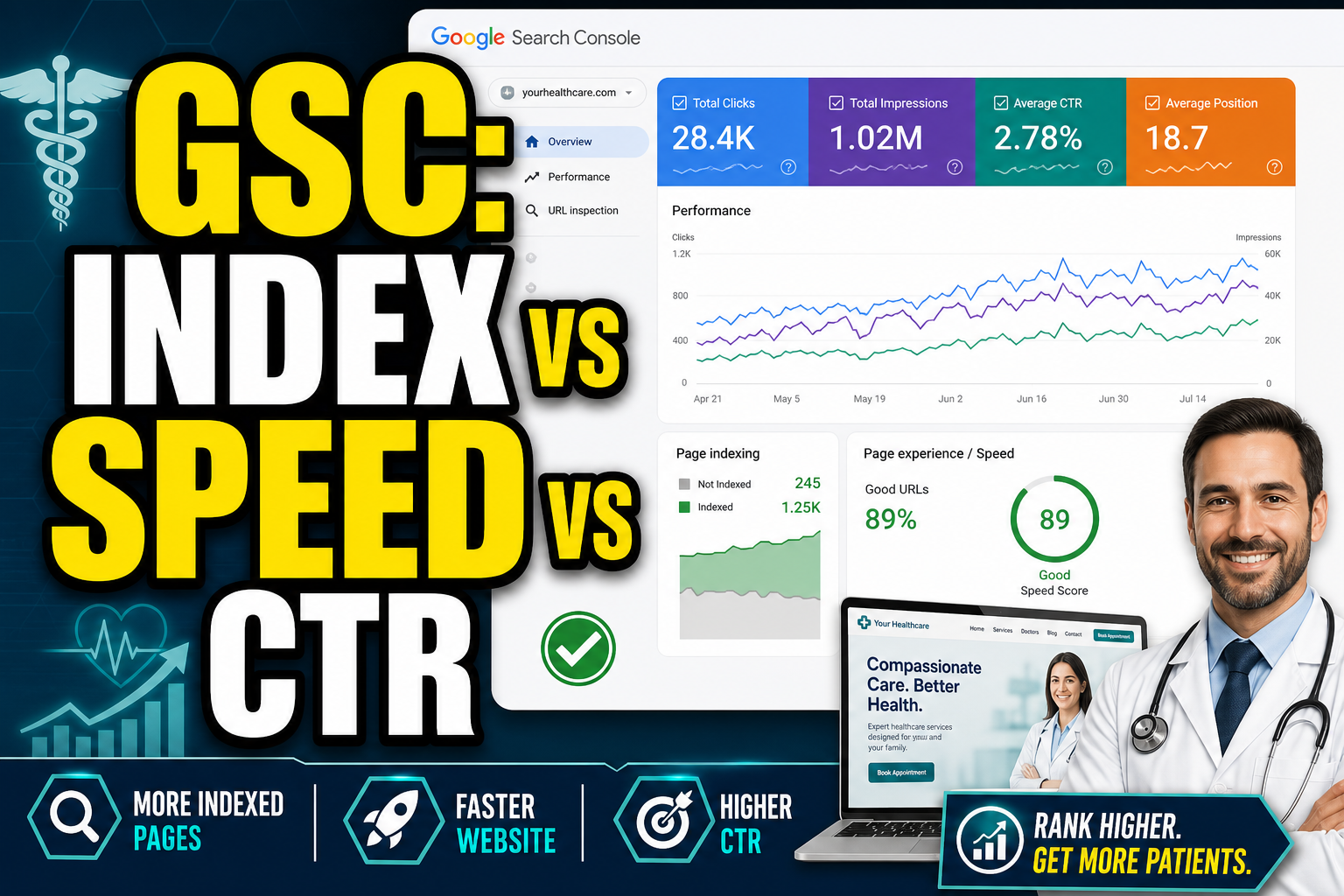
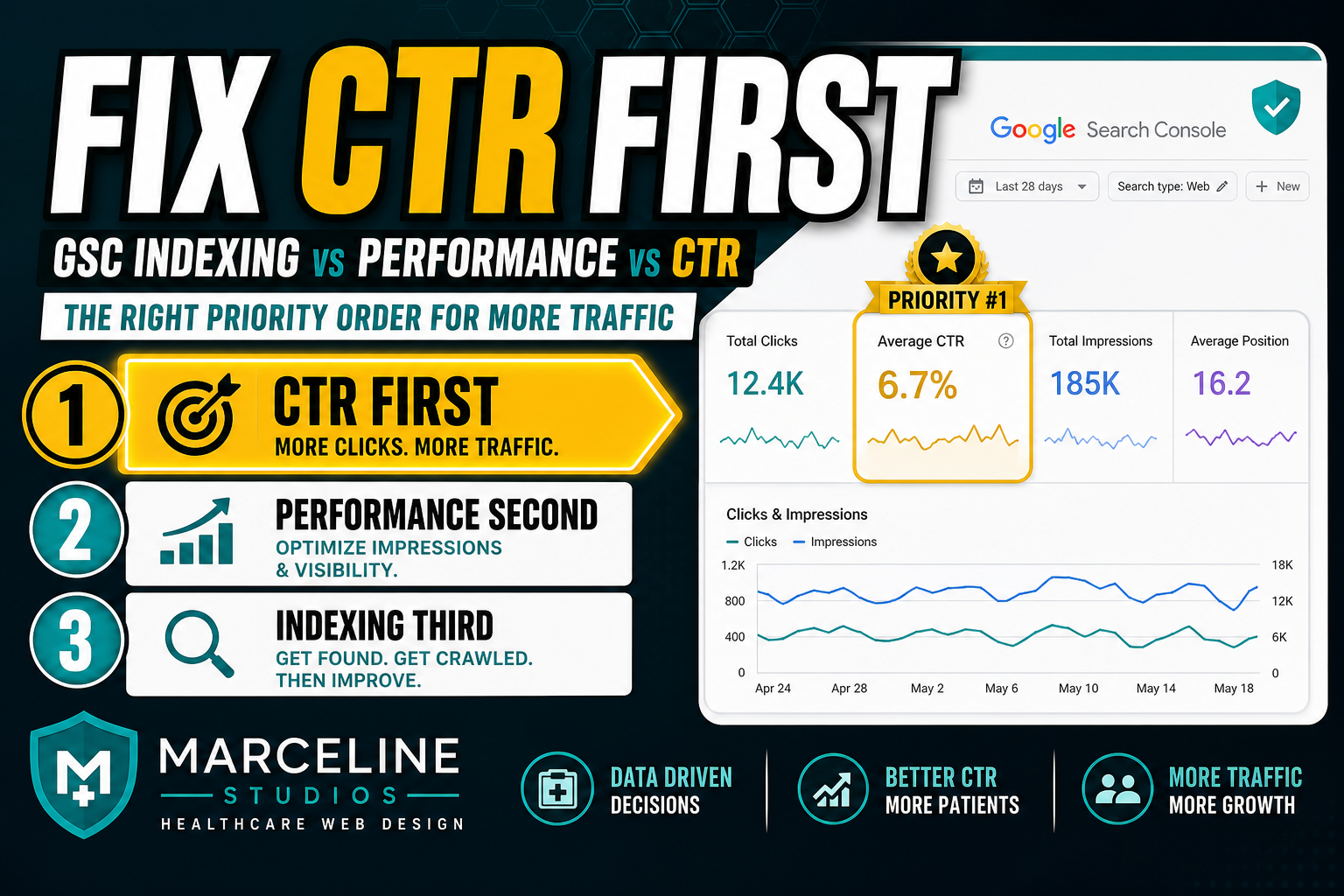
See Healthcare SEOQuick answer: If you’re getting impressions but not clicks, you don’t have an indexing problem—you have a CTR/snippet problem. If you have pages indexed but stuck at positions 20–60, you likely have a relevance + internal linking problem. If key pages aren’t indexed at all, you have a technical/indexing problem. Fix in that order.
This is a practical Google Search Console (GSC) guide for clinic owners and practice managers.
1) Indexing (can Google even see the page?)
Signs it’s indexing:
- Page shows up when you search: site:yourdomain.com page-title
- In GSC, URL inspection shows “Indexed”
If indexing is broken, fix:
- robots / noindex
- canonical issues
- thin/empty SSR content
2) Performance (rankings + queries)
In GSC Performance:
- Look for queries and pages with position 8–20 (striking distance)
- Look for pages ranking but not converting (high impressions + low CTR)
3) CTR (impressions but no clicks)
CTR fixes:
- Title: specificity (year, numbers, outcome)
- Meta description: match intent; reduce ambiguity
- Add an answer-first block (“Quick answer”) to win snippets and AI retrievers
4) The fix order we recommend for clinics
- 1Confirm indexing for the top 3 pages (home + top service + 1 blog)
- 2Fix high-impression low-CTR pages (titles/metas + answer-first)
- 3Reinforce intent architecture:
- blogs must link to the correct service page as the hire-us path
- 4Build cluster spokes consistently
If you want a done-for-you version of this, see our Healthcare SEO service, our med spa web design service, or start with the Clinic SEO Checklist.
Want us to interpret your GSC and ship the fixes?
Book a free strategy call and we’ll identify your fastest wins (CTR + internal linking + local SEO).
CTR rewrite patterns that work (without clickbait)
When a page has high impressions + low CTR:
- Mirror the top query language from GSC in your title
- Add a number or specific deliverable (template, checklist, pricing)
- Keep titles concise so they don’t truncate
Related: Healthcare SEO pricing.
Frequently asked questions
Indexing means Google can store and show your page. Ranking means where it appears for specific queries. You can be indexed but still rank poorly.
First confirm key pages are indexed. Then fix CTR on high-impression pages (titles/metas + answer-first). Then strengthen internal linking from blogs to service pages.